

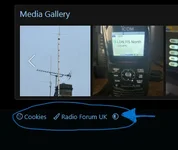
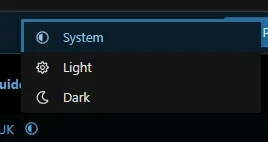
If you prefer to have a light or dark version of the website, you can change the style variation by selecting the option at the bottom left of the forum. To make the change, click the Style Variation icon (the circle) and choose between System, Light or Dark. The 'System' option chooses the appearance based on your devices light or dark mode.
I've attached some images showing where to go to make the changes:
I've attached some images showing where to go to make the changes: